| |
| |
| |
How to install Visual Studio 2022? |
| |
| For some years Microsoft has been making available to everyone a free edition of its most famous development environment, Visual Studio. |
| In Visual Studio 2019 it is possible to develop applications for Windows systems, for the web, for mobile devices and for managing / manipulating / querying data. |
| In the following guide we will see how to install Visual Studio 2022 Community Edition Windows |
| |
Installing Prerequisites
|
| |
| At least 20 giga of free space on your hard disk, however it depends on the components chosen to install (typical installations require 20-50 giga of free disk space) |
| The following guide applies to Windows 7 SP1, Windows 8, Windows 8.1, Windows 10, Windows Server 2012 R2, Windows Server 2016 Standard and Datacenter and Windows Server 2019 |
| Standard and Datacenter (for more details on operating system editions, resources hardware and any other necessary requirements you can refer to the System Requirements |
| web page for the Visual Studio 2019 family of products) |
| |
Step 1:
|
| Go to Microsoft Visual Studio |
| |
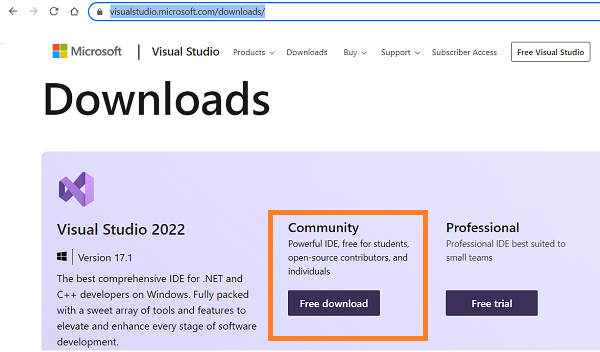 |
| | | Select Community 2022 to download the Visual Studio installation file |
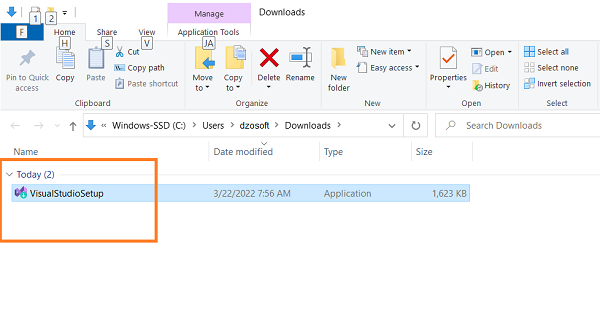
| Once the file has been downloaded, double-click on it to start the installation |
| |
 |
| | | |
Step 2:
|
| For security reasons, a dialog may appear asking you to enter the PC administrator password or just to confirm the installation operation. |
| |
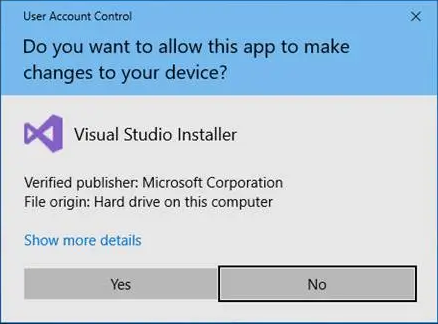 |
| | | In this case just press Yes to continue |
| The installation wizard reminds us that Before starting it is necessary to prepare some settings in order to allow the configuration of the installation |
| |
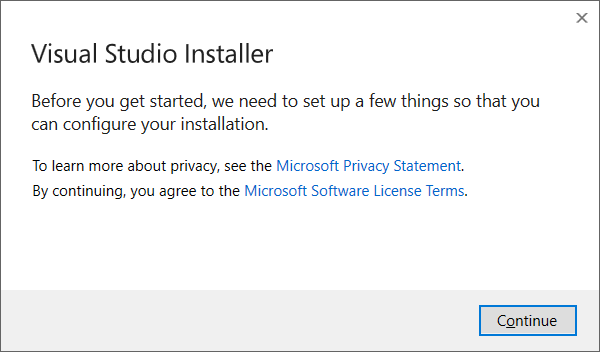 |
| | | Pressing Continue will start the download of the files necessary to continue the installation process |
| |
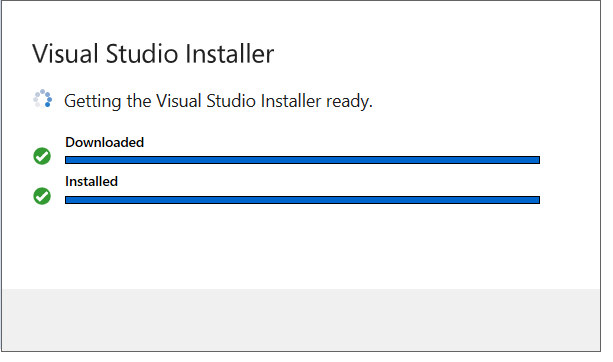 |
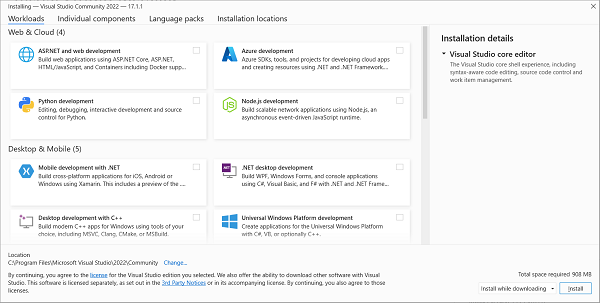
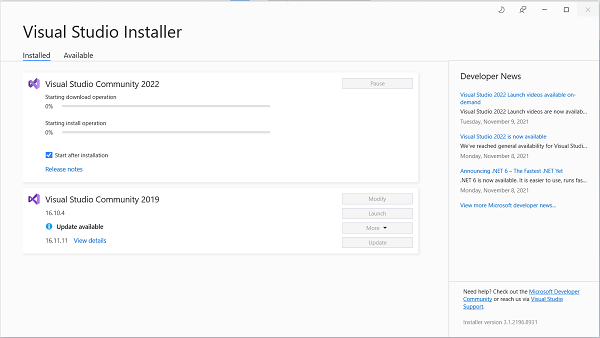
| | | At the end of the download, the Installation - Visual Studio Community 2022 window will open, divided into 4 tabs, where you can select the elements to be installed |
| The tabs are as follows: |
| |
 |
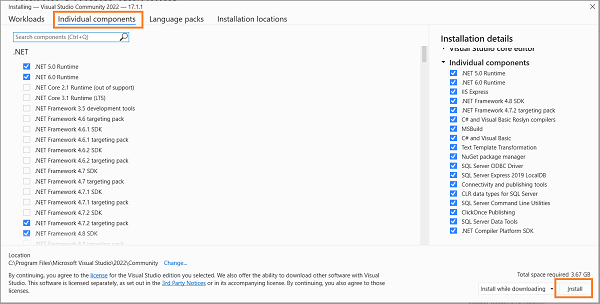
| | | Individual components contains the list of components that can be installed, the possibility is given to add / remove components |
| |
 |
| | | |
 |
| | | |
 |
| | | |
 |
| | | |
 |
| | |
 FR
FR 
 English - EN
  Español - ES