| |
| |
| |
How to install Linux on an old PC |
| |
| |
 |
| | | If you have a slow PC that is unable to support the latest Windows operating systems, the ideal way to use it again is to install Linux.
|
| The result is a system that will almost always be faster, free from any malware or virus infections, and that offers all the performance of a Windows system.
|
| There are several Linux-based operating systems – the choice is of course yours.
|
| Having solved this, let's move on to the practical process:
|
| a Linux system requires at least 2GB of space.
|
|
| |
Step 1:
|
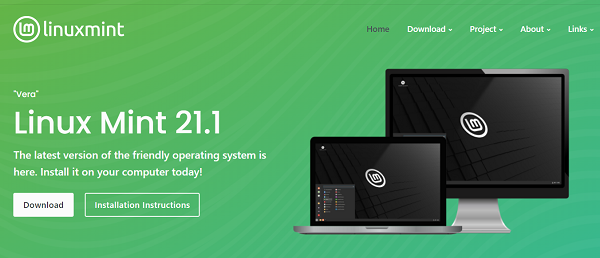
Download Linux OS from Mint  or Ubuntu or any other site that offers download or Ubuntu or any other site that offers download
|
| |
 |
| | |
| |
Step 2:
|
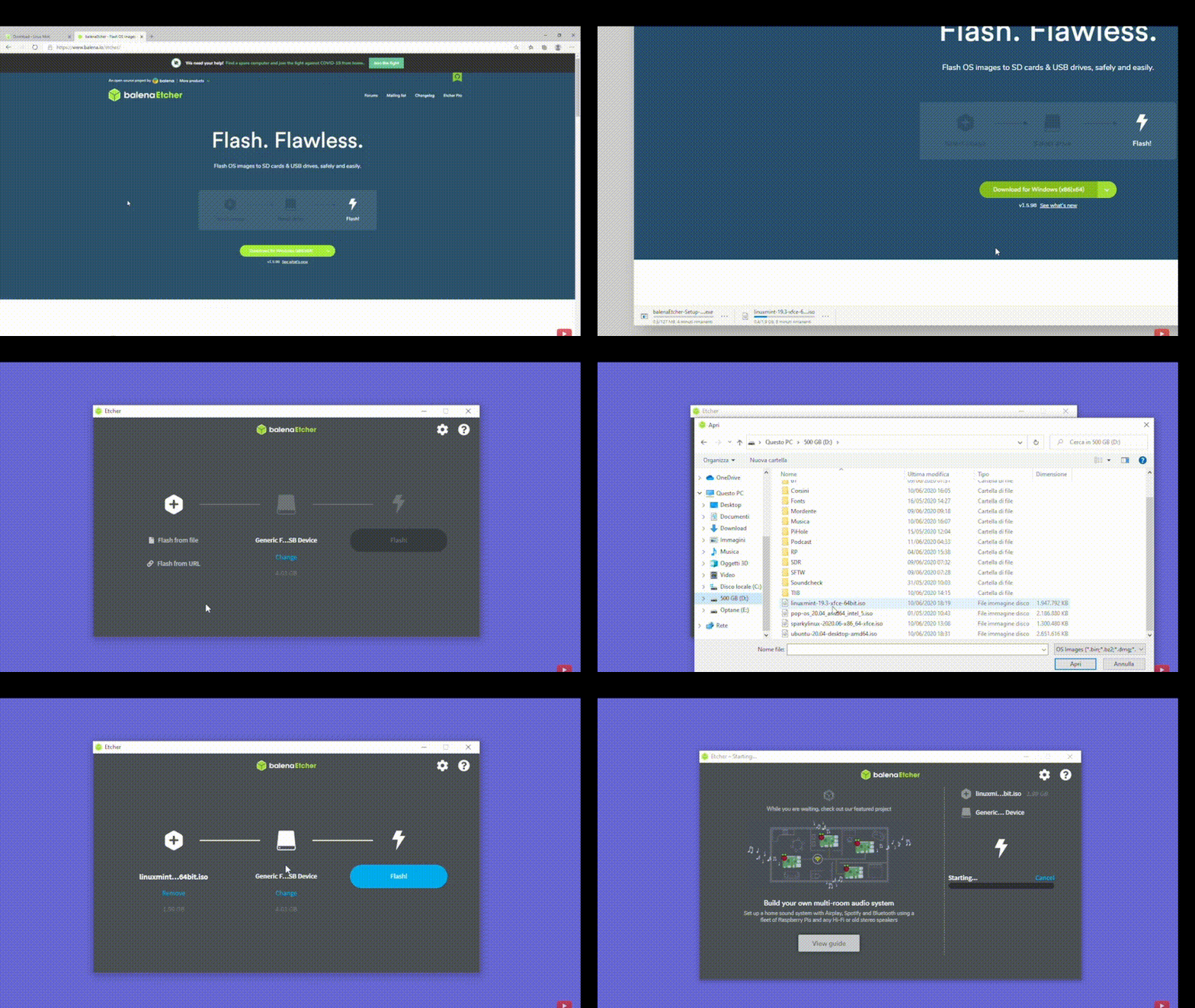
| Create a bootable USB drive, this option is easy and fast, we use balena etcher
|
| |
 |
| | |
| |
 |
| | |
| |
Step 3:
|
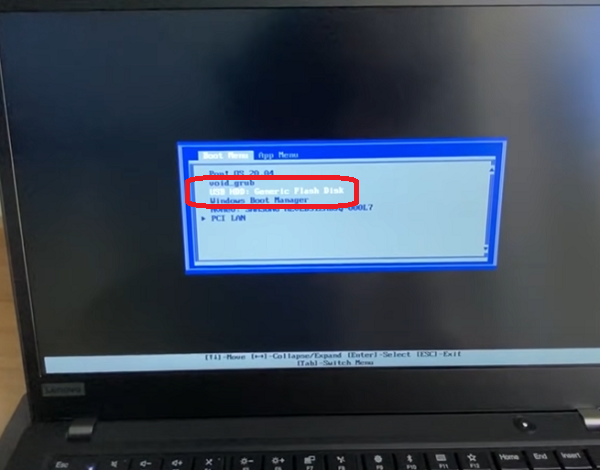
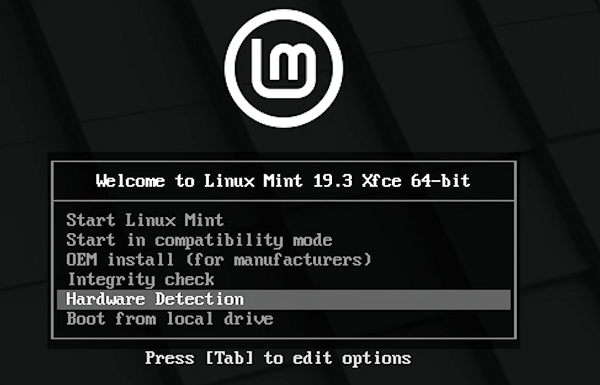
| Boot from the flash drive Enter in the bios to boot PC from USB drive.
|
| |
 |
| | |
|
| |
 |
| | |
|
| |
Step 4:
|
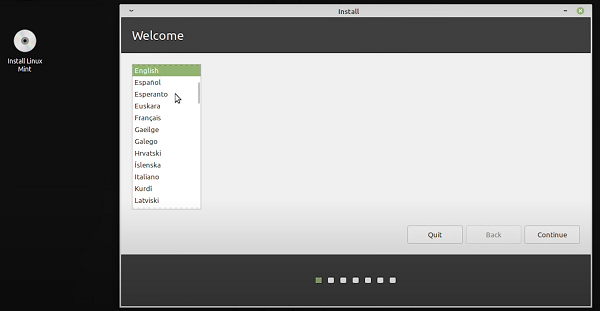
| Double-click to install Linux icon on the desktop.
|
| |
 |
| | |
| |
Step 5:
|
| Make the required selections related to language, third party software installation, etc. Then choose your operating system installation preference: next to your existing operating system or erase and install.
|
|
|
|
|
|
| The installation may take some time, especially if the computer is quite old.
|
| Once finished, enjoy your open source operating system. |
 EN
EN 
 Español - ES
  Français - FR